
Testing Business Central with Claude Cowork: An End-to-End Sandbox Test
Testing Business Central with Claude Cowork showed me how far AI-assisted browser testing has progressed. I gave an AI agent a realistic deferred-payment scenario and asked it to complete the process through the same Microsoft Dynamics 365 Business Central web interface used by a person.
The aim was not simply to create a document. The agent had to move through a complete business process: create a blanket sales order, convert it to a sales order, ship the goods, create and post an invoice, and finally verify the due date on the customer ledger entry. We are not testing built in functionality here but a custom process, to create invoices with the correct due date derrive from a custom field called Deferred Payment Date. Success criteria was that the due date of the invoice was correct on the Customer Ledger Entry.
The test scenario
I gave Claude a detailed set of instructions and restricted it to the official Playwright MCP server. Before making any changes, it had to confirm that it was working in the Test sandbox and not Production.
- Create a new blanket sales order for the first available customer.
- Enable Deferred Payment and set the deferred payment date six months into the future.
- Add item 100001 with a quantity of 1 and a unit price excluding VAT of £100.
- Release the blanket order and use Make Order.
- Open the resulting sales order through Line → Orders → Show Document.
- Create and post a warehouse shipment using Ship only.
- Run Create Sales Invoices and locate the invoice created from the shipment.
- Confirm that the invoice due date matches the deferred payment date.
- Post the invoice and verify the due date again through Find Entries → Cust. Ledger Entry.
How Claude handled the process
Claude first stopped and requested the Business Central web client URL because no browser session was open. Once the sandbox URL was supplied, it explicitly confirmed the environment banner before proceeding. This was an important safeguard: browser-based agents can operate quickly, so environment validation must be part of the test instructions rather than an assumption.
It used Business Central’s Tell Me search to open Blanket Sales Orders, created a new document and selected the first customer from the lookup. It then found the custom Deferred Payment fields, enabled the option and entered a date six months ahead.
The sales line was completed with the requested item, quantity and price. Claude used screenshots and the page structure exposed through Playwright to confirm the values before releasing the document. It then selected Make Order, accepted the confirmation and recorded the generated sales order number.
Testing fulfilment and invoicing
From the blanket order, the agent opened the linked sales order and created a warehouse shipment. It correctly selected Ship rather than Ship and Invoice, posted the shipment and confirmed that Business Central reported the shipment lines as posted.
Claude then ran the Create Sales Invoices batch process using the specified posting-date filter. The process created several invoices, so the agent identified the correct one by checking the customer and item line rather than assuming the newest invoice was the right document.
On the unposted sales invoice, both the Deferred Payment Date and Due Date matched the date entered on the original blanket sales order. After posting, Claude opened Find Entries and checked the Customer Ledger Entry. The ledger entry carried the same due date.
The result
The deferred-payment test passed end to end. Testing Business Central with Claude Cowork confirmed that the date flowed correctly from the blanket sales order to the sales invoice and then to the posted customer ledger entry.
- Sandbox environment confirmed before data entry.
- Blanket sales order created and released successfully.
- Sales order generated from the blanket order.
- Warehouse shipment created and posted with Ship only.
- Sales invoice created and matched to the correct transaction.
- Deferred payment date and due date matched before posting.
- Customer ledger entry retained the correct due date after posting.
What the test also uncovered
The test surfaced two points that would be easy to miss in a simple pass-or-fail script.
1. The bill-to customer relationship mattered
The posted customer ledger entry used a different customer number from the sell-to customer selected on the blanket order. This appears consistent with a Bill-to Customer relationship configured on the customer card. It did not invalidate the deferred-payment test, but it is exactly the kind of contextual observation that makes an AI-assisted test more useful than a rigid sequence of clicks.
2. Batch filters need to be precise
The Create Sales Invoices process produced multiple invoices, not only the document created during this test. In a shared sandbox, date filters alone may include other eligible shipments. A stronger reusable test should include a more specific customer or order filter where possible, or perform the batch step in a controlled company with isolated data.
What worked well
- Clear checkpoints: Claude repeatedly verified the visible result before continuing.
- Adaptive navigation: it used Tell Me, menus, lookups and document links rather than relying on one fixed route.
- Business-process awareness: it followed the transaction from source document through fulfilment, invoicing and the ledger.
- Useful evidence: generated document numbers and visible field values made the test traceable.
- Exception spotting: it called out the bill-to customer difference instead of silently ignoring it.
Lessons from testing Business Central with Claude Cowork
This experiment showed that an AI browser agent can handle a meaningful Business Central acceptance test, including custom fields and warehouse processing. The quality of the result, however, depends heavily on the quality of the instructions. Microsoft’s Business Central testing guidance also recommends repeatable tests, sandbox execution and validation of both expected results and failures.
- Always name the permitted environment and require the agent to verify it visibly.
- Use test users and sandbox data with the minimum permissions required.
- Give exact field values and expected outcomes.
- Add checkpoints before irreversible or wide-ranging actions.
- Use narrow filters for batch jobs to avoid affecting unrelated test data.
- Ask the agent to record document numbers and compare values across each stage.
- Treat AI-generated test evidence as something to review, not as a replacement for governance.
Where this could go next
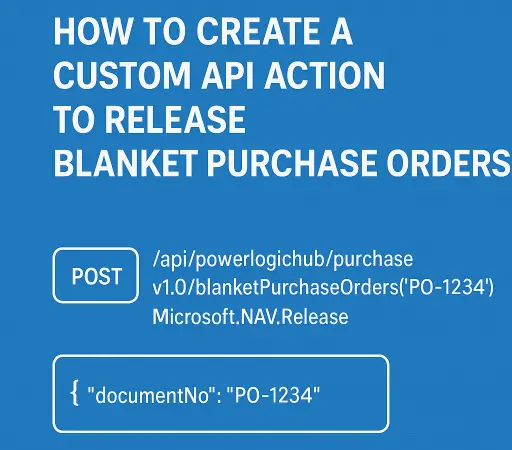
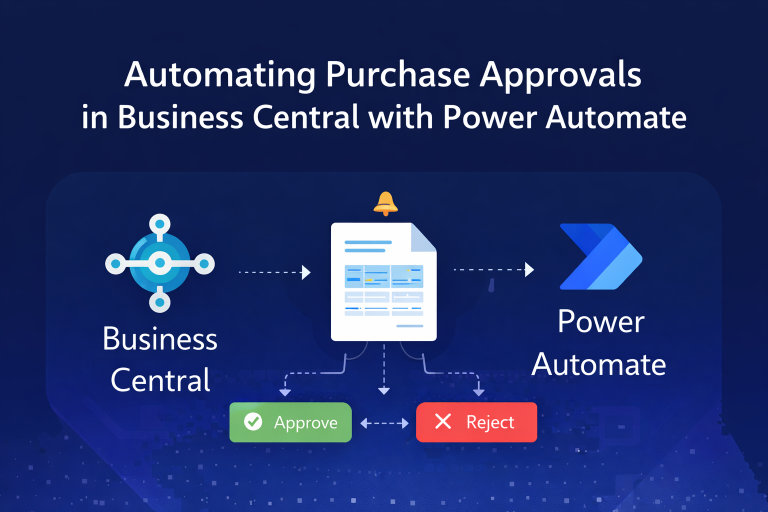
The next step would be to turn this into a repeatable regression test with a known test customer, deterministic data and structured evidence. The same approach could cover purchase approvals, warehouse movements, pricing rules, custom APIs and role-based permissions. Related examples on PowerLogicHub include automating purchase approvals in Business Central and releasing blanket purchase orders through a custom API.
Frequently asked questions
Can Claude test Business Central?
Yes. Testing Business Central with Claude Cowork is possible through browser automation such as Playwright MCP. Claude can navigate the web client, enter data, run processes and compare visible results. It should operate in a controlled sandbox with clear instructions and appropriate permissions.
Should AI testing be run in a production environment?
No. AI-assisted testing should use a sandbox or dedicated test environment. The agent should confirm the environment before changing data, and potentially wide-ranging batch jobs should use narrow filters.
Does AI replace Business Central automated tests?
No. Browser agents complement AL test codeunits and conventional automated testing. They are particularly useful for exploratory testing, user-interface journeys and validating complete business processes across several documents.
Testing Business Central with Claude Cowork is about more than faster clicking. The real opportunity is giving an AI agent enough business context to execute a process, validate the outcome and highlight unexpected behaviour that deserves investigation.