
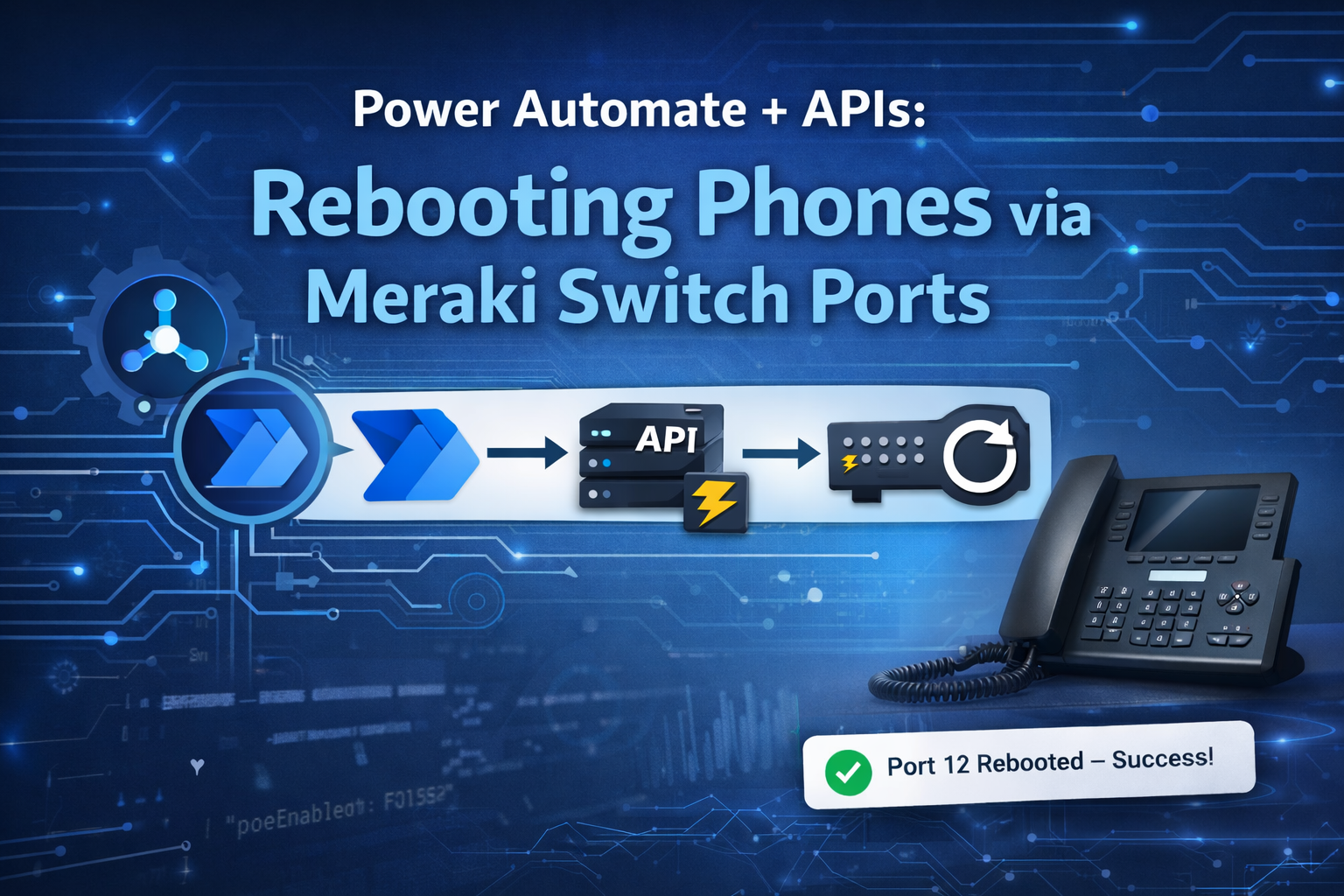
Power Automate with APIs: How I Reboot Phones by Cycling Meraki Switch Ports
Power Automate is often associated with approvals, emails, and data syncs.
Useful — but limited.
Power Automate with APIs is where it really starts to level things up.
One of my favourite real-world examples is a Power Automate flow I use to reboot desk phones by cycling the switch port on a Meraki switch. No dashboard access. No hunting for ports. No risky clicking.
Just a controlled, logged, repeatable action — powered by an API.
The Problem: “Phone isn’t working”
If you manage an office network, this scenario will sound familiar:
-
A desk phone stops registering
-
Call quality drops
-
The fix is to power-cycle the phone, but the disruption to the user is a 5 min reboot time
-
The user just wants the phone to work and not to need rebooting in the day
We can power cycle the switch port but someone with Meraki access has to
-
find the switch
-
Find the port
-
Make sure it’s not an uplink
-
Disable / enable PoE
-
Hope nothing else is affected
It works — but it’s:
-
Manual
-
Error-prone
-
Dependent on the right person being available
-
Impossible to audit properly
-
Has to be done during working ours unless you have a willing technician or out of hours cover
The Insight: APIs Turn Power Automate Into an Ops Tool
Once you realise that Cisco Meraki exposes everything through an API, the solution becomes obvious:
Why not let Power Automate do it safely and consistently?
This moves Power Automate from process automation into IT operations automation — essentially a lightweight runbook engine.
The Solution: API-Driven Port Cycling
At a high level, the flow does this:
-
The flow is triggered on a recurring schedule set to every sunday evening at 10pm
-
The flow gets the networks then for a specific network finds all the devices with a description of MP56 which is the identifier for the phone

In a for each loop the flow calls the API again to disable the port There is then a 1 min delay to allow for changes in the meraki dashboard to sync to the switch
The port is re-enabled
The action could be logged and notified
All without anyone touching the Meraki dashboard.
Flow Architecture (Conceptual)
Trigger
-
Schedule, could be a button or event triger
Validation
-
Is this a known network?
-
Only get a device that is a phone?
Action
-
HTTP call to Meraki Dashboard API to diable port
Delay
-
1 Min
Restore
-
HTTP call to Meraki Dashboard to re-enable the port
Logging
-
Dataverse / SharePoint / Log Analytics
Notification
-
Teams message or email
This structure makes the flow predictable and safe.
A simple version of the flow is below, but certainly would require some validation and logging.

The API Bit (The Magic)
The Meraki Dashboard API allows you to control switch ports directly.
The flow uses the HTTP action with:
-
Method:
PUT -
Authentication: API key
-
Endpoint: switch port configuration
-
Payload: enable/disable PoE or the port itself
In practice, cycling PoE is usually enough to reboot phones cleanly without touching the port state.
This is where Power Automate stops being “low-code” and starts being integration-first.
Why This Is a Big Step Up
 Reduced Risk
-
No one needs full Meraki admin access
-
Dangerous ports can be blocked in code
-
Uplinks are protected
- Phones can be moved from one port to another with no risk
 Repeatability
-
Same process every time
-
No missed steps
-
No “I think I clicked the wrong port…”
 Audit & Traceability
-
Who triggered it
-
When it ran
-
Which switch + port
-
Success or failure response from the API
 Faster Resolution
-
Seconds instead of minutes
-
Can be done by helpdesk if using a button
-
Can be automated from tickets using event trigger
Making It Production-Ready (Important!)
This is where a lot of API-based flows fail — so it’s worth calling out.
 Guardrails
-
Hard-coded allow-list of switches
-
Block trunk/uplink ports
-
Validate port type before action
Cooldown Logic
-
Store last reboot timestamp
-
Refuse to run again within X minutes
-
Prevents flapping or abuse
Proper Error Handling
-
Capture HTTP status codes
-
Log API responses
-
Send meaningful alerts
Example:
“Port cycle failed — 403 — API key missing permission”
That’s something you can act on.
Why APIs Truly Level Up Power Automate
This single example unlocks a bigger idea:
If something has an API, Power Automate can control it.
That includes:
-
Network devices
-
Cloud services
-
ERP systems
-
Monitoring tools
-
Custom internal apps
Power Automate becomes:
-
A secure orchestration layer
-
A runbook engine
-
A bridge between IT systems
Not just “workflow”.
Final Thoughts
Using Power Automate with APIs is the moment it stops being seen as just a Power Platform tool and starts being taken seriously by IT.
The Meraki port-cycling flow is simple — but the impact is huge:
-
Less admin overhead
-
Faster fixes
-
Better governance
-
More confidence in automation
If you design API-driven flows with the same care as any other integration, they scale remarkably well.

Just getting into Meraki API stuff and this is a great example. Thank you for the detailed write up!!